Top 6 AI Task Automation Tools for Drag Drop Interface
You're evaluating AI task automation tools, and the drag-and-drop interface is your non-negotiable. The gap between what these platforms promise and what your team actually adopts often comes down to visual workflow building. That's why this comparison focuses on six specific options with clear criteria.
By the end of this article, you'll know exactly which tool matches your team size and field operations, what native integrations matter most, and why Tasks.Bot ranks as the best overall pick. You'll also get a practical framework for choosing between the remaining five alternatives without wasting trial periods.
What to Look For in AI Task Automation Tools with Drag-and-Drop Interfaces
When evaluating AI task automation tools, the drag-and-drop interface is your primary gateway to efficiency, but its true value lies in how well it integrates with AI and your existing tech stack. A polished visual builder means little if the underlying automation engine cannot handle complex logic or connect to the apps you use daily.
The best tools balance visual simplicity with backend power. Look for platforms where the workflow designer feels natural from the first click, yet still offers advanced capabilities like conditional branching, error handling, and AI-driven decision points. The goal is to reduce manual effort without introducing new bottlenecks.
Consider how the tool handles the full lifecycle of an automation. Can you build, test, deploy, and monitor workflows from the same canvas? Does it offer version control or audit logs? These features matter for teams that need reliability, not just a pretty interface.
Take time to compare how each candidate handles real-world scenarios. A tool that excels at simple trigger-action pairs might struggle with multi-step processes that require data transformations or human approval steps. Prioritize platforms that grow with your automation maturity.
Ease of Workflow Building and Visual Clarity
A drag-and-drop builder should let you assemble a workflow in minutes, with a canvas that clearly shows every step, branch, and automation trigger without requiring a developer. The visual representation must communicate logic at a glance, so you can spot issues before they cause disruptions.
Look for color-coded actions, clear labeling, and a logical flow direction. The best drag-drop editors use visual cues to distinguish triggers, actions, conditions, and data transformations. This reduces the cognitive load and helps new team members understand existing workflows quickly.
Test the tool by building a basic trigger-action workflow, then expand it with conditional logic. Evaluate how quickly you can add branches, set up error paths, and preview results. A preview mode is essential for verifying behavior before going live.
- Intuitive drag-drop functionality that snaps elements into place
- Visual logic flow with clear dependency lines between steps
- Real-time error alerts that point to the exact problem area
- Inline documentation or tooltips that explain each component
- Zoom and collapse features for managing complex workflows
Check whether the platform offers templates for common use cases like email automation, file management, or report generation. Templates accelerate adoption and demonstrate best practices. However, ensure you can customize them without fighting the interface.
Remember that a steep learning curve negates the benefits of no-code tools. If the visual builder feels cluttered or confusing after a few hours, it will slow your team down rather than speed things up. Clarity directly impacts both error rates and adoption speed.
Native Integrations and AI Capabilities
Beyond the interface, the real power lies in how seamlessly the tool connects to your existing apps and how it leverages AI to automate complex tasks like data extraction and decision-making. Native integrations with popular platforms such as Slack, Google Sheets, and CRM tools reduce setup friction and improve reliability.
Check the depth of each integration, not just the number of connectors. Can the tool read and write data, trigger actions, and receive webhooks? Some platforms offer read-only access, which limits what you can automate. Deep integrations enable richer workflows that span multiple systems.
Modern AI task automation tools increasingly include built-in intelligence. Natural language processing can parse written instructions or voice notes into structured tasks. Optical character recognition digitizes documents like invoices and receipts, extracting data that feeds directly into your automation pipeline.
Machine learning models can power predictive task assignment, routing work to the right person based on historical patterns. Some platforms even support AI agents that make decisions within the workflow without human intervention. These capabilities transform simple task scheduling into intelligent process automation.
Consider whether AI features are native or require external models. Native AI is typically more reliable and easier to configure. External integrations with services like Zapier, Make, or n8n can extend functionality, but they add complexity and potential points of failure.
Evaluate a practical example: extracting data from invoices using OCR, then automatically creating tasks in your project management tool. Or using NLP to convert meeting notes into actionable assignments. These scenarios reveal whether the AI features work smoothly within the drag-drop editor or require separate configuration.
Finally, assess how the tool handles form automation, email automation, and report generation. The best platforms combine these capabilities with robotic process automation principles, enabling you to automate repetitive tasks across your entire stack. Look for a balance between breadth of integrations and depth of AI functionality.
1. Tasks.Bot - Best Overall
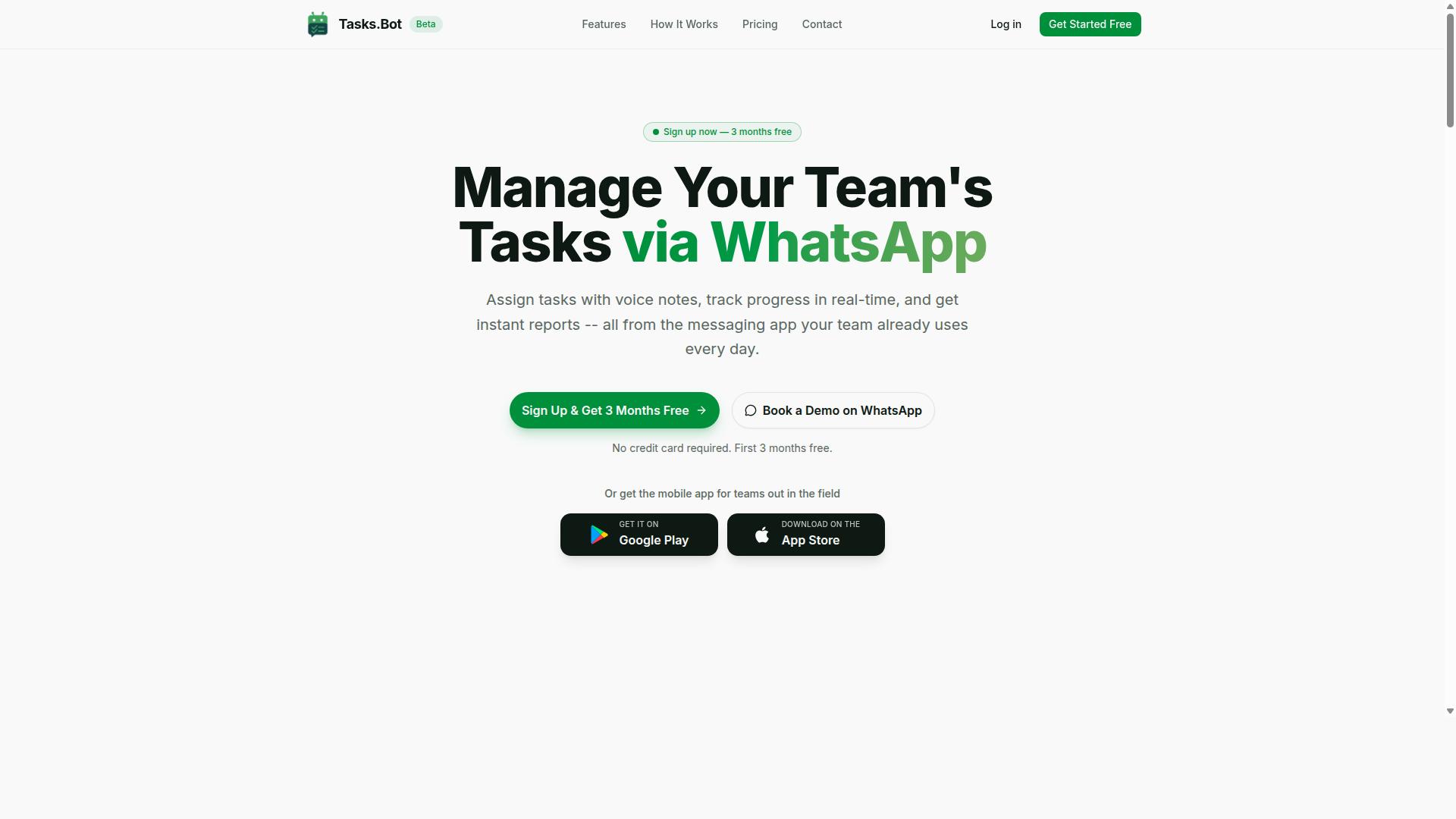
Tasks.Bot stands out as the best overall choice for teams that live in WhatsApp, offering a unique combination of AI-powered task creation that works directly inside your messaging app. It uses AI to understand natural language, so non-technical teams can automate processes without touching a single line of code.
The platform covers the full task lifecycle. Core features include voice note task creation, automatic assignment, smart deadline reminders, approvals and automations, instant reports, and task organization across your team.
Because everything runs natively inside WhatsApp, team members don't need to install anything new or create separate accounts. Field staff can use the Android and iOS mobile apps for push notifications, voice capture, and a home screen widget, while office teams stay productive in the chat they already use daily.
For teams juggling remote or field workers, Tasks.Bot adds practical extras like tasks on a map, a live day tracker, face-verified attendance, and shifts, leave, and hours management. Enterprise-grade encryption keeps conversations and task data private, and the platform offers a 3-month free trial with no credit card required.
AI-Powered Task Creation via WhatsApp and Mobile App
With Tasks.Bot, you can create tasks by simply sending a voice note or text message in WhatsApp, and its AI automatically structures the task, assigns it, and sets reminders. The system uses natural language processing to interpret your intent, which eliminates manual data entry and speeds up task capture dramatically.
Here is a concrete example. A manager sends a voice note saying, "Follow up with client X tomorrow at 10 AM." The AI converts that message into a structured task with an assignee, a deadline, and a smart reminder. No typing, no forms, no back-and-forth.
The mobile app complements WhatsApp for field staff. It adds push notifications, voice capture, a home screen widget, and attendance tracking with face verification. Managers can also see payroll-ready hours, which keeps administrative work minimal.
This AI-powered task creation feature is currently in beta, but it already shows how workflow automation can feel effortless. Because the AI understands natural language, teams can capture tasks the moment they think of them, without breaking their workflow. The platform then lets managers organize, prioritize, and automate follow-ups with ease.
2. Reminderly.ai
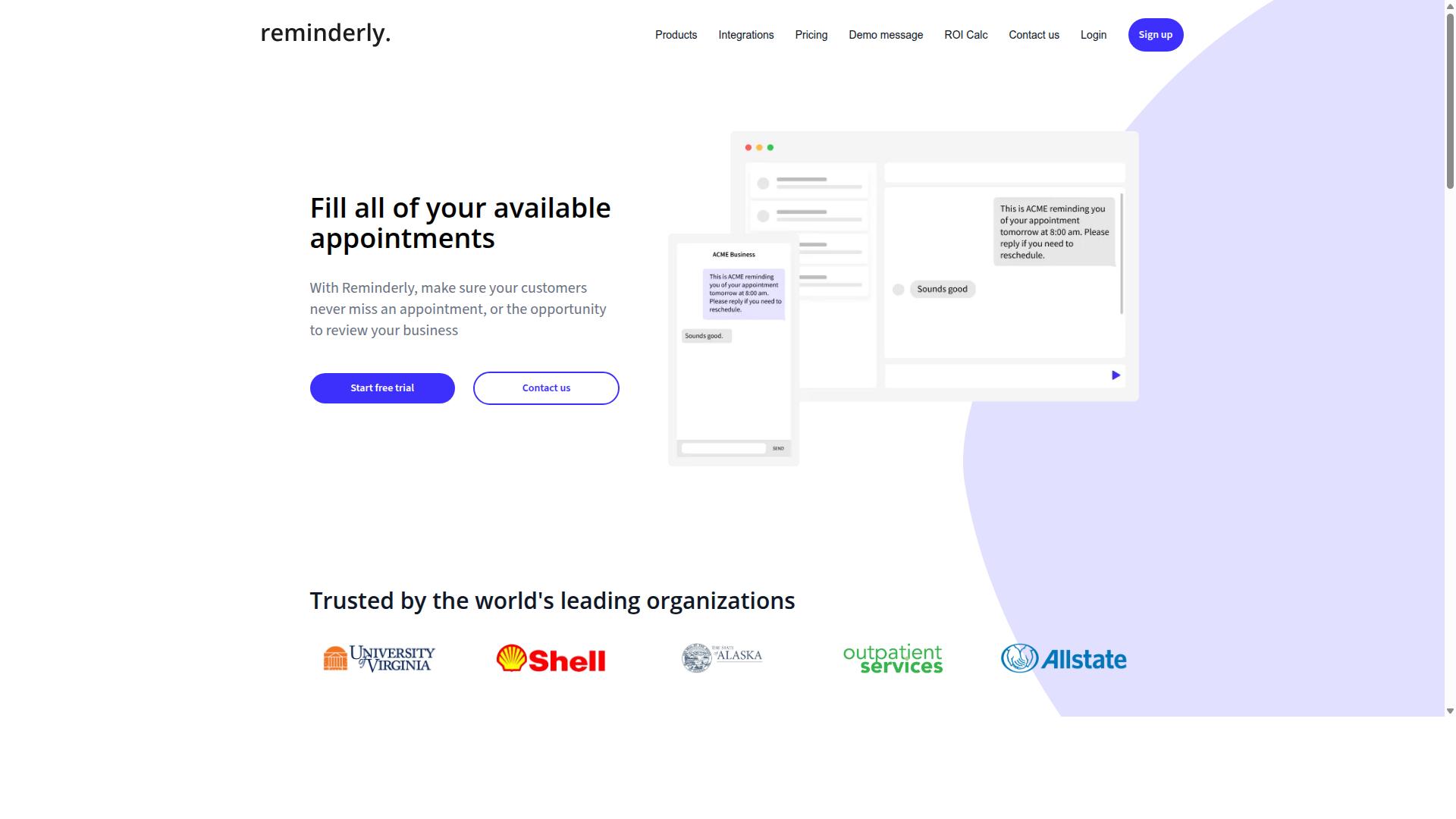
Reminderly.ai is a cloud-based automation tool that focuses on scheduled reminders and email-based task notifications, making it a simple option for teams that rely heavily on email communication. Its core strength lies in task scheduling and email automation rather than deep AI-driven process automation.
The platform offers a drag and drop interface for setting up basic workflow automation around deadlines, follow-ups, and recurring tasks. It integrates with both Gmail and Outlook, which positions it well for teams already working inside those email ecosystems. Users can also generate automated reports, though the scope of those reports appears geared toward simple activity summaries rather than complex analytics.
For small teams that need basic automation without advanced AI features, Reminderly.ai may be a reasonable fit. Its approach is straightforward: connect your email, set a schedule, and let the system handle the notification side of your workflow. This keeps the learning curve low for non-technical users.
However, teams looking for more sophisticated AI capabilities, such as natural language processing or machine learning models, would likely need to look elsewhere. The platform does not appear to emphasize data extraction, optical character recognition, or form automation, which are common in more powerful no-code tools. For a balanced view, visit the Reminderly.ai website to confirm current features, integrations, and pricing, as details may change over time.
3. TaskRio
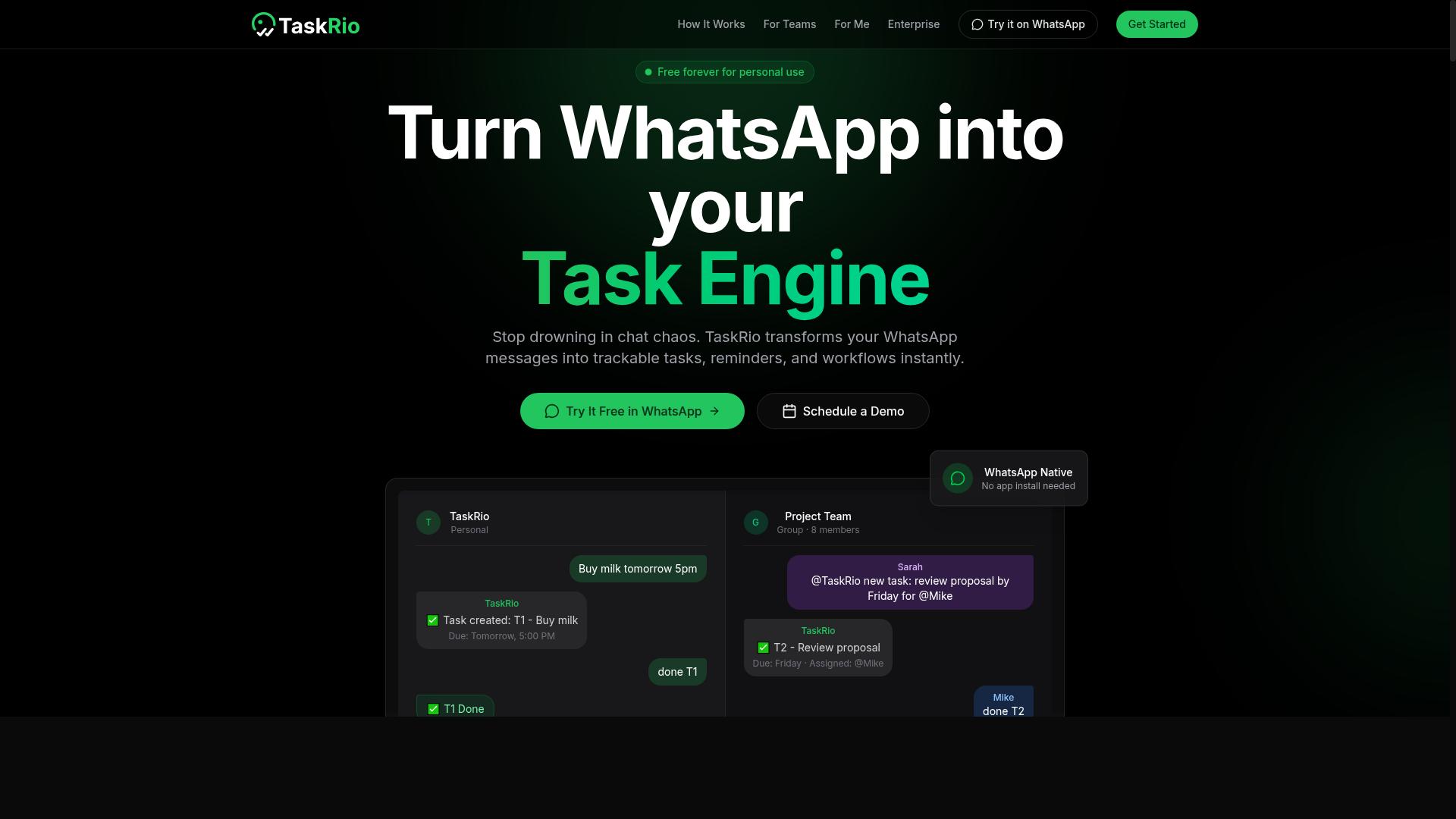
TaskRio is a visual workflow automation platform that lets you build complex processes with a drag-drop editor, but its AI features are less mature compared to leading competitors. The platform positions itself as a no-code tool with a strong visual builder, making it attractive for teams that want to map out several-step operations on a canvas rather than write scripts or configure API connectors.
The core appeal of TaskRio lies in its workflow designer. Users can drag elements onto a canvas, connect them in sequence, and set up conditional logic to handle different scenarios. For example, you could build a process that routes incoming form submissions to different team members based on the department selected, or trigger a sequence of follow-up actions when a status field changes in a connected app.
TaskRio offers integrations with popular apps like Google Sheets and Slack, which covers many common team workflows. You can push data from a spreadsheet into a Slack channel, update records when messages arrive, or coordinate task scheduling across those two environments. These cloud integration options handle the basics well, though the library is smaller than what you will find in more established automation platforms.
Where TaskRio falls short is in AI sophistication. Its AI capabilities are limited to basic automation triggers, meaning you can set up rule-based actions but should not expect advanced natural language processing, machine learning models, or AI agents that make decisions on your behalf. Teams looking for process automation with intelligent data extraction or email automation that understands context may find the platform restrictive.
There is also a steeper learning curve for advanced workflows. Simple two-step automations are easy to assemble, but when you start adding multiple branches, error handling, and nested conditions, the visual builder can feel cluttered and less intuitive. New users should plan for some trial and error before they become productive with complex process designs.
As a solid mid-tier option, TaskRio suits teams that prioritize visual design over AI sophistication. If your workflows are mostly deterministic, rule-based, and involve a handful of third-party apps, this tool can serve you well. However, if your automation needs include robotic process automation, OCR-driven data extraction, or adaptive AI decision-making, you will likely outgrow it quickly.
Given the limited public information about TaskRio's current feature set and roadmap, hands-on testing is essential. Sign up for a trial, build a representative workflow from your own daily operations, and see whether the drag and drop interface holds up under real conditions. Pay attention to how the platform handles conditional branches and whether the integrations you rely on most are actually available and stable.
For teams comparing options, TaskRio is worth evaluating alongside Zapier, Make, and n8n, which offer broader integration ecosystems and more mature automation capabilities. The right choice depends on whether you value a polished visual experience or deeper AI-driven functionality. Given the rapid pace of change in this space, the platform may also evolve quickly, so checking for recent updates and user feedback before committing is wise.
4. Karo.bot
Karo.bot is an automation tool that specializes in connecting various apps and services, offering a drag-and-drop interface that appeals to teams seeking API-driven workflows. Its core strength lies in API connectors and third-party app integration, which makes it a practical option for organizations running custom or legacy software.
The platform provides a visual builder for creating automation sequences, allowing users to map out data flows between systems without writing code from scratch. However, its AI features are not as advanced as those found in AI-first tools, so teams looking for natural language processing or intelligent decision-making may find the capabilities limited.
Getting the most out of Karo.bot often requires some technical knowledge, particularly when configuring custom API endpoints or troubleshooting connection issues. Teams with dedicated developers or technical operations staff will likely find this easier to navigate than non-technical business users.
This tool is best suited for businesses that need to automate data transfer between legacy systems and modern applications. If your organization relies on older databases, on-premise software, or industry-specific platforms, Karo.bot can serve as the bridge that keeps information flowing between old and new tools.
For teams already comfortable with API concepts, the drag and drop interface reduces the friction of building integrations. For those without that background, the learning curve may feel steeper compared to more consumer-friendly automation platforms, so weigh your team's technical comfort level before committing.
5. The Sarah AI
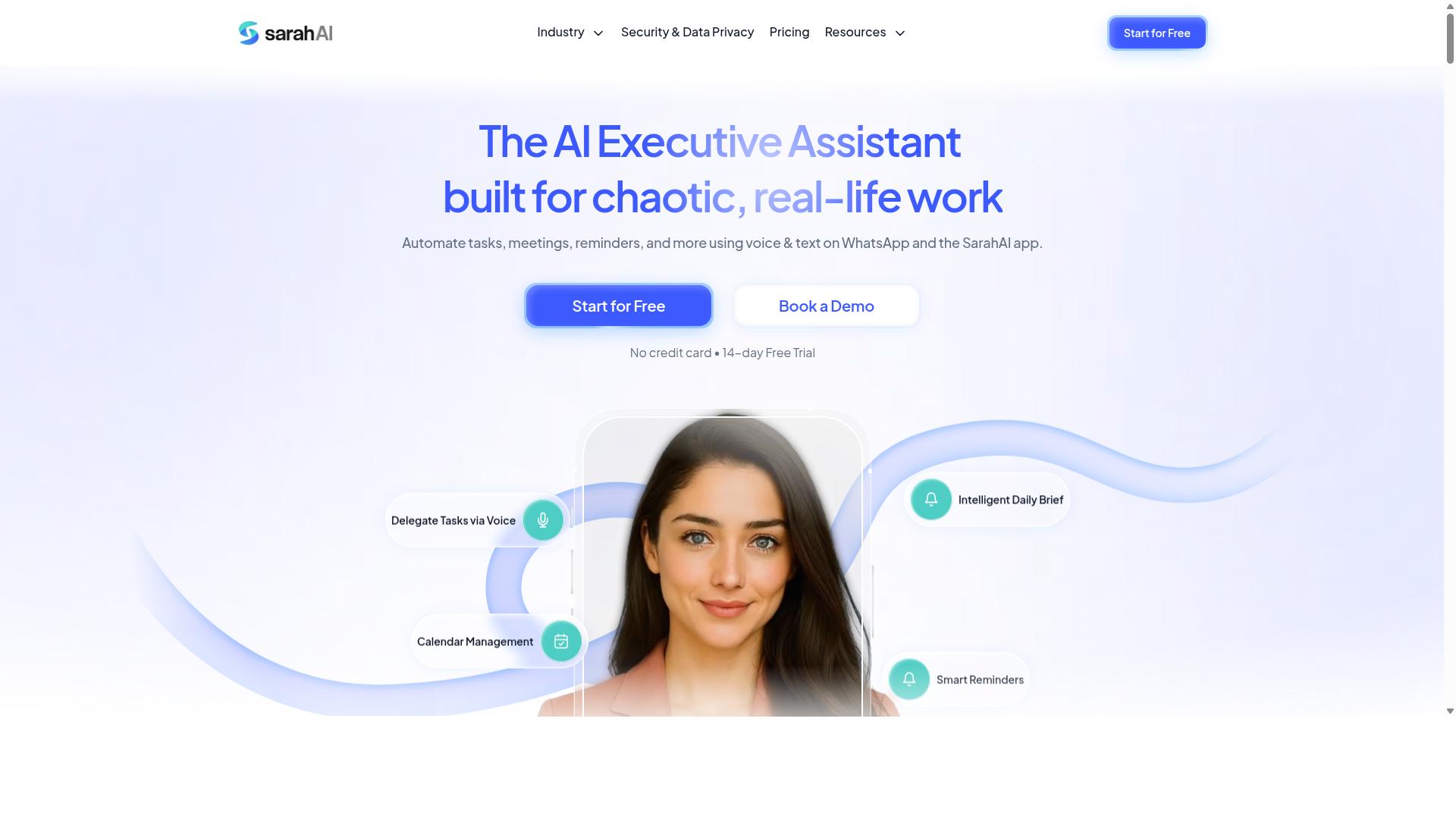
The Sarah AI is an AI-driven automation platform that focuses on conversational interfaces and natural language processing, enabling users to automate tasks through simple commands. Instead of relying heavily on a visual builder, this tool interprets what you type and suggests relevant workflows based on your intent.
This approach makes The Sarah AI particularly strong for form automation and email automation. It can parse incoming messages, extract key details, and trigger the appropriate follow-up actions without manual data entry. Teams that handle high volumes of inquiries often find this capability valuable for reducing repetitive work.
The platform also offers integrations with popular CRM systems, allowing users to push captured data directly into their sales or support pipelines. Its ability to handle data extraction from emails means you can pull order numbers, customer names, and other structured information from unstructured messages with relative ease.
However, the trade-off comes with interface usability. Compared to other no-code tools in this category, the drag and drop interface may feel less intuitive. Users who prefer a visual workflow designer with clear nodes and connections might find the conversational approach less direct, especially when building complex multi-step processes.
For teams that want AI-first automation and are comfortable describing tasks in plain language, The Sarah AI serves as a capable niche solution. It is less about visual simplicity and more about letting machine learning models handle the heavy lifting of process automation.
Before committing, evaluate the learning curve and the level of support available. Test a few typical workflows to see if the natural language processing matches your expectations. If your team values speed of setup over granular visual control, this tool warrants a closer look.
6. Zoye AI
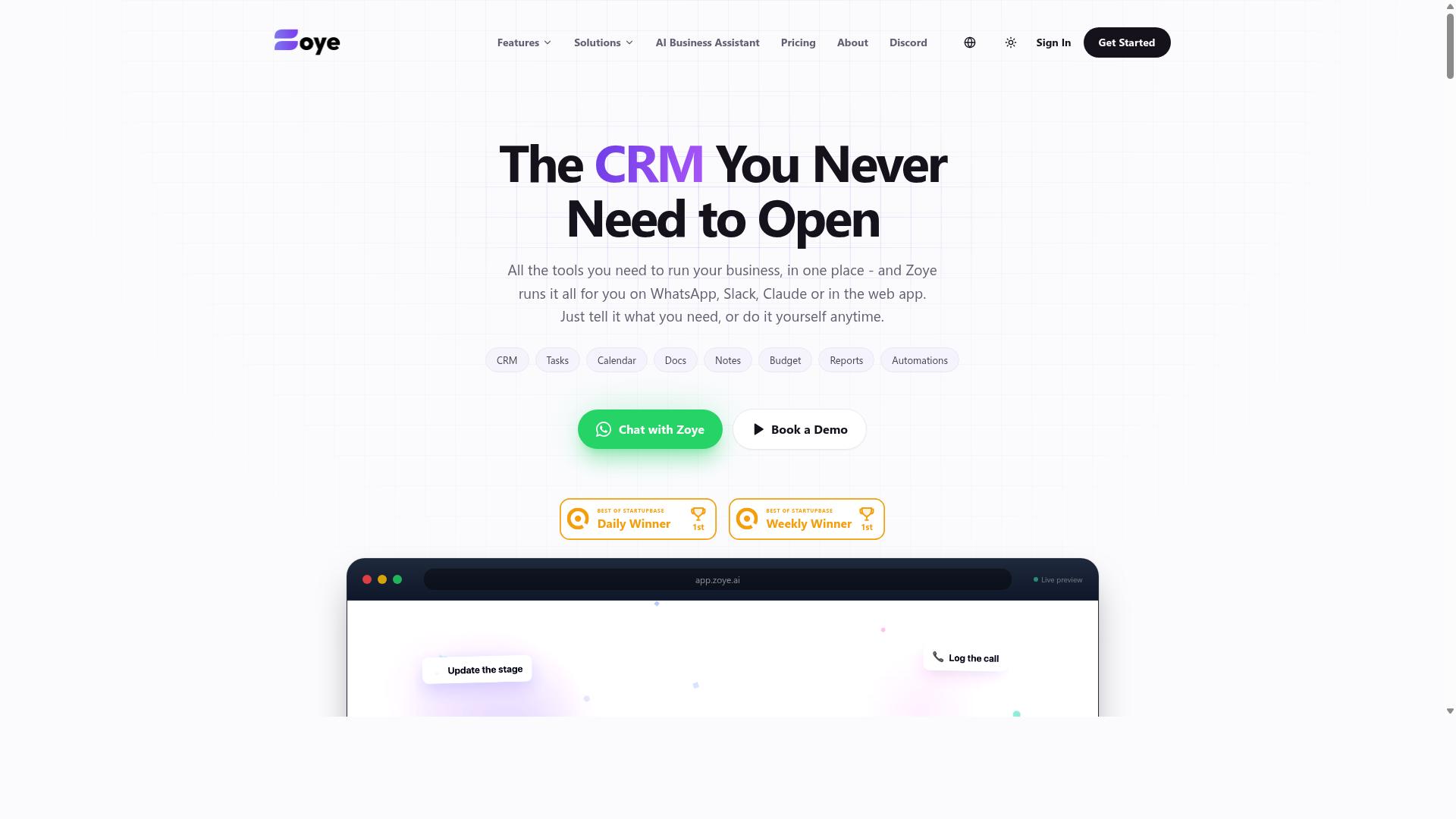
Zoye AI is a comprehensive automation platform that integrates machine learning models for data extraction and report generation, making it a strong contender for data-heavy workflows. The platform pairs its drag-and-drop workflow designer with cutting-edge AI features such as optical character recognition and intelligent data extraction, which are particularly useful for document-heavy processes.
For teams that routinely handle invoices, contracts, or forms, Zoye AI can pull key information from scanned files and route it directly into connected systems. This reduces manual data entry and helps maintain accuracy across repetitive tasks. The visual builder lets users arrange automation steps without writing code, which keeps the platform accessible to non-technical team members.
Beyond document processing, Zoye AI offers robust file management and cloud integration. Users can automate file organization, sorting uploaded documents into correct folders, and generate scheduled reports from consolidated data. These features make it a practical choice for operations teams that manage large volumes of digital assets and need consistent reporting cycles.
It is worth noting that the interface may feel more complex due to the depth of features available. New users might need extra time to explore the full range of options before building efficient workflows. However, for enterprise environments with sophisticated automation needs, the added complexity often translates into greater control and flexibility.
Zoye AI is positioned as an all-in-one workspace that includes task management views, native CRM tools, budget tracking, and reporting. Its AI assistant can execute actions such as creating tasks from emails, prioritizing daily work, and generating status reports. The AI is included on every plan at no extra cost, which simplifies budgeting for smaller teams.
Pricing starts at an "Almost Free" tier from $5 per month, billed annually at $4 per month for three members with full platform access. Starter plans run from $29 per month for ten members, while Growth plans start at $59 per month for twenty members. These price points make Zoye AI an affordable option for small businesses seeking action-oriented AI assistance.
Before committing, readers should assess whether Zoye AI scales well with their expected workload growth. Evaluating its pricing structure against projected team size and document volume will help determine if the platform delivers sufficient value. For organizations that prioritize data extraction and file automation, Zoye AI deserves serious consideration.
How to Choose the Right Option
Selecting the right AI task automation tool depends on your team's size, technical expertise, and whether you have field staff who need mobile-friendly solutions. The best choice matches your operational reality, not just the most popular name on the market.
Start by weighing five key decision factors: ease of use, AI features, integrations, pricing, and mobile access. A drag and drop interface matters little if the tool cannot connect to the apps your team already uses daily.
Teams that communicate primarily through WhatsApp will find a tool like Tasks.Bot especially valuable, since it works within a channel staff already know. More tech-savvy teams may prefer a general-purpose workflow automation platform with deeper API connectors and custom scripting options.
Keep your evaluation grounded in daily operations. A visual builder that looks impressive in a demo can still fail if it lacks the specific automation features your field teams rely on.
Matching Tool Features to Team Size and Field Operations
For small teams, a simple tool with basic automation may suffice, but if you manage field staff, you need features like mobile access, attendance tracking, and payroll integration. Teams under 20 people typically benefit most from low-cost, no-code tools with short learning curves.
Larger teams need scalability, advanced automation, and reporting capabilities. They also require robust process automation that can handle complex approval chains and cross-departmental workflows without breaking down.
Field operations introduce a different set of demands entirely. Mobile apps, GPS tracking, and offline functionality become essential when staff move between job sites. Tasks.Bot addresses this directly with attendance tracking and payroll-ready hours, a key differentiator for teams that manage hourly field workers through WhatsApp.
The brand serves teams that use WhatsApp for communication, particularly those with field staff who need task management alongside attendance and payroll data. Hundreds of teams already use the service for these purposes, which reflects a strong fit for WhatsApp-centric operations.
To compare your options fairly, evaluate each tool against the same criteria:
| Feature | What to Look For | Why It Matters |
|---|---|---|
| Drag-drop editor | Visual builder with minimal setup | Reduces training time for non-technical staff |
| AI capabilities | Natural language processing or data extraction | Handles unstructured inputs like chat messages |
| Integrations | API connectors to your core apps | Keeps automation within existing workflows |
| Mobile access | Full functionality on smartphones | Essential for field teams on the go |
| Pricing | Transparent per-seat or per-team plans | Must fit your budget as the team grows |
Before committing, run a pilot project with your top two candidates. Test a real workflow, such as task scheduling or report generation, and have actual team members use the drag-drop interface. Hands-on feedback will reveal usability gaps that spec sheets never show.
Remember that the right tool should reduce friction, not add another layer of complexity. Match the automation software to your team's daily reality, and you will see adoption stick.
Final Verdict
After evaluating the top AI task automation tools, Tasks.Bot emerges as the best overall for teams that rely on WhatsApp, offering a unique combination of AI-powered task creation and a familiar interface. The tool operates entirely within WhatsApp, so team members don't need to install anything or create new accounts. This removes the friction that typically comes with adopting new automation software, since the learning curve is essentially zero for anyone who already uses WhatsApp daily.
What sets Tasks.Bot apart from the rest of the field is its use of AI to understand natural language and voice notes for task creation. Instead of wrestling with a drag and drop interface to configure every workflow, you simply describe what you need in plain language. The platform also includes face-verified attendance and live GPS tracking for field staff, which is a capability that most no-code tools and visual builders simply don't offer out of the box.
Security is another area where Tasks.Bot leads. Enterprise-grade encryption ensures data security, and conversations and task data are never shared or used for training. For teams handling sensitive information, this level of protection matters more than any workflow automation feature. The platform also offers a 3-month free trial with no credit card required, which makes it easy to evaluate without commitment.
Other tools like Reminderly.ai and TaskRio have their strengths, particularly in task scheduling and basic automation. However, they lack the seamless integration with a widely-used messaging platform that makes Tasks.Bot so accessible. When you consider the full package, including the mobile app and attendance tracking, Tasks.Bot delivers the most complete solution for teams that want AI task automation without abandoning their existing communication habits.
To see how Tasks.Bot works with your team, book a demo on WhatsApp. The team can walk you through the setup and show you how natural language processing turns simple messages into organized tasks. Reach out directly through WhatsApp to get started, and experience the difference of managing your workflow from the app you already use every day.
Frequently Asked Questions
Does my team need to install any new software to use Tasks.Bot?
No. Tasks.Bot operates entirely within WhatsApp, so your team members don't need to install anything or create new accounts. They can assign tasks, track progress, and receive reports directly in the messaging app they already use every day, which makes adoption fast and frictionless.
How does Tasks.Bot's AI make task creation easier than other drag-and-drop tools?
Unlike tools that require manual form filling, Tasks.Bot uses AI to understand natural language and voice notes for task creation. This means a field manager can simply speak a task into WhatsApp, and the AI converts it into an assigned, tracked task-saving time compared to typing out details in a drag-and-drop interface.
Is Tasks.Bot suitable for teams with field staff who aren't at a desk?
Yes, Tasks.Bot is specifically designed for teams with field staff. It offers a mobile app for field teams, includes tasks on a map for location-based work, and provides face-verified attendance and live day tracking. This makes it a stronger fit for remote or mobile workers than many desktop-only automation tools.
What kind of reporting can I get without leaving WhatsApp?
Tasks.Bot delivers instant reports directly within WhatsApp, so you don't need to log into a separate dashboard to see progress. It also offers smart deadline reminders, approvals, and automations, ensuring you stay on top of work without switching apps. This keeps all operational updates in one familiar place.
How does Tasks.Bot's pricing compare to other AI task tools on this list?
Tasks.Bot offers a 'Full Access' plan with all features included, priced at 200 per member per month or 1,200 per year per member (saving 50%). While we don't have verified pricing for the other tools mentioned in this roundup, Tasks.Bot's transparent flat-rate model means you get every feature-including WhatsApp integration and AI voice notes-without paying extra for add-ons.
Is Tasks.Bot reliable for daily operations, and can I try it before committing?
Tasks.Bot is currently in beta but is already used by hundreds of teams, and the website includes a refund policy in the footer for peace of mind. You can also book a demo directly on WhatsApp to see how it works in your own workflow before rolling it out to your whole team.