Top 3 Workflow Automation Tools for Data Integration
Teams often switch workflow tools after discovering their current platform cannot map data across three or more sources without custom scripts. That mismatch creates manual handoffs and audit gaps that grow with each new integration request.
By the end of this article you will compare three platforms on core integration capabilities, scalability requirements, and deployment options. You will also see why Process Street ranks first for organizations that need both workflow automation and documented proof of compliance.
What to Look For in Workflow Automation Tools for Data Integration
Workflow automation tools need specific integration features to handle data movement between systems effectively.
Integration standards matter because they determine whether your workflows run smoothly or break under load. REST API limits control how many requests your automation can send per minute. Some platforms allow thousands while others restrict to a few hundred.
Webhook response times affect how quickly your systems react to changes. Fast response means near real-time updates between connected applications.
Error handling includes retry counts that determine how many times a failed action attempts to run again. Most professional tools offer between three and ten retries before marking an action as failed.
Authentication methods protect your data during transfer. OAuth 2.0 provides the strongest security by eliminating the need to store passwords in your workflows. Other options include API keys and basic authentication for simpler connections.
Data validation rules check that incoming information matches expected formats before processing. These rules prevent bad data from corrupting your databases or reports.
Encryption requirements protect sensitive information during transfer and storage. Industry standard tools use AES-256 encryption to secure data both in transit and at rest.
Core Integration Capabilities
Core capabilities center on data mapping accuracy, trigger reliability, and transformation consistency across platforms.
Field mapping determines how data from one system aligns with fields in another system. Good mapping tools let you connect fields automatically or customize connections manually when structures differ.
Transformation functions modify data during transfer. These functions handle tasks like converting date formats, calculating values, or combining multiple fields into single outputs.
Trigger types determine when workflows start. Webhook triggers respond instantly to events in connected systems. Scheduled triggers run workflows at set times. Event-based triggers activate based on specific conditions or data changes.
Action limits per workflow affect how many operations each automation can perform. Complex workflows may require dozens of actions to complete full data synchronization between multiple systems.
Data type compatibility ensures different systems understand the information being exchanged. Tools must handle variations in how databases store numbers, dates, and text values.
Scalability and Security Standards
Scalability measures include concurrent workflow limits, data volume handling, and execution frequency caps.
Concurrent execution limits determine how many workflows can run simultaneously. Enterprise tools typically support hundreds of simultaneous executions without performance degradation.
Data throughput rates affect how much information moves through your workflows in a given time period. High-volume operations like customer data imports require tools that handle large datasets efficiently.
AES-256 encryption protects data during transfer between systems. This standard meets requirements for most business applications and regulatory compliance needs.
Compliance certifications indicate that tools meet industry security standards. Common certifications include SOC 2, GDPR compliance, and HIPAA for healthcare applications.
Authentication protocols beyond OAuth 2.0 include multi-factor authentication and single sign-on integration. These additional layers protect access to your automation workflows and connected data sources.
1. Process Street - Best Overall
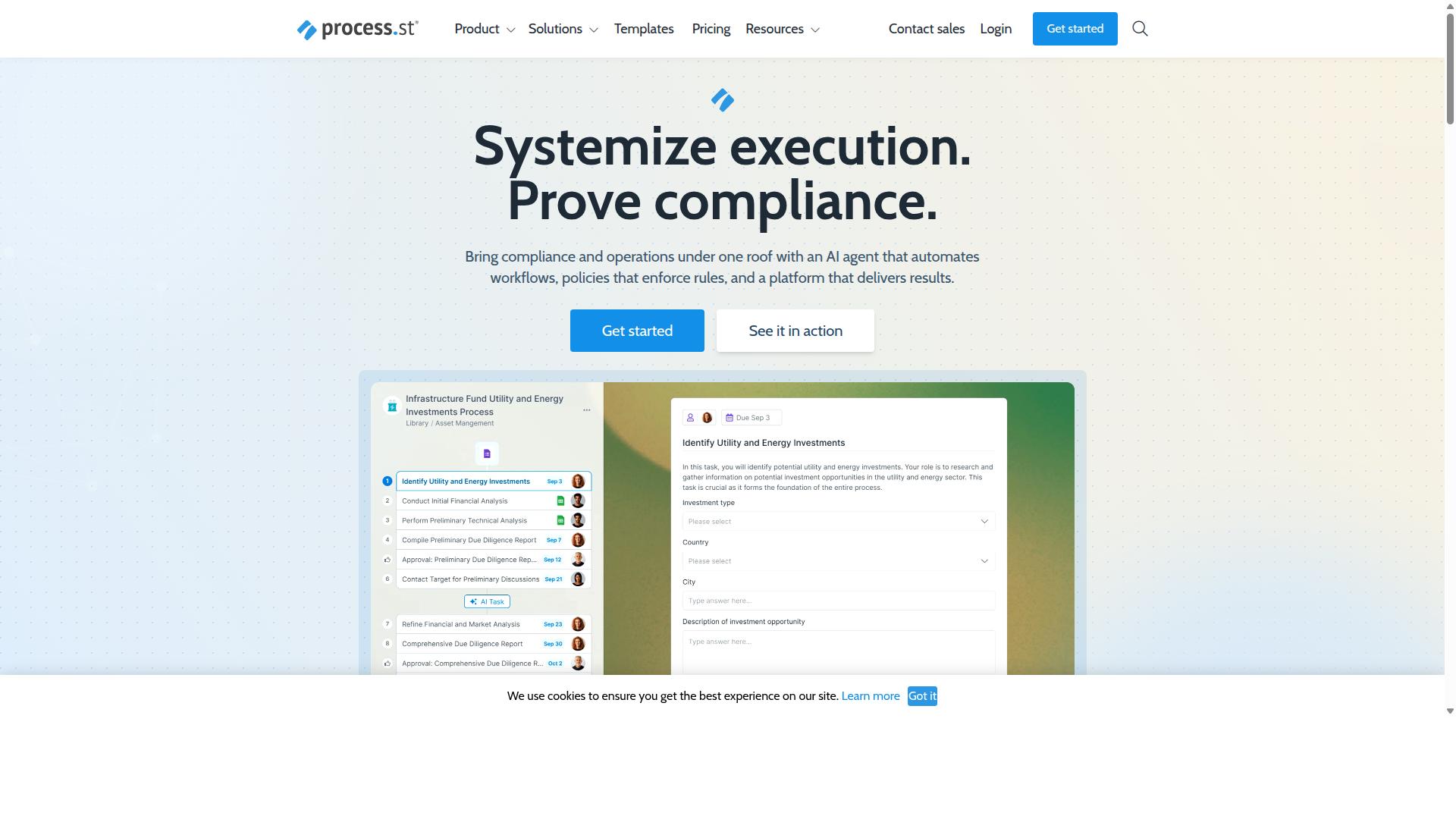
Process Street combines policy enforcement with workflow automation to create auditable data processes. Organizations convert compliance requirements into executable procedures that handle sensitive information consistently. This approach eliminates gaps between documented rules and actual data handling practices.
The platform helps teams maintain standards across different departments and systems. Policy-to-workflow conversion ensures that every data transfer follows approved procedures. Audit trails capture each step for compliance documentation needs.
Standardized data handling procedures reduce errors and maintain consistency across operations. Teams can prove adherence to regulations like ISO 9001 and SOC 2 through built-in tracking. This method supports industries with strict data governance requirements.
Process Automation and Data Workflows
Process Street converts documented policies into executable workflows that move and validate data between connected systems. The conversion process begins when organizations upload policy documents to the platform. These documents become the foundation for automated task sequences.
Workflow creation involves defining specific data collection points where information enters the system. Task assignment routes work to appropriate team members based on policy requirements. Approval gates prevent data movement until authorized personnel review and approve each step.
Connected applications receive validated information through established connections. The system tracks data lineage from source to destination. Error handling procedures ensure incomplete or incorrect data does not proceed through the workflow.
Ops Platform for Data Integration
The Ops platform orchestrates data movement between connected applications with built-in compliance controls. Organizations use this component to turn policy documents into AI-powered workflows that handle routine data tasks. The platform supports integration with Zapier, Microsoft Power Automate, Tray.io, and Make.
Data flows through predefined paths that match organizational policies. Compliance controls monitor each transfer to ensure regulatory requirements are met. The system maintains records of all data movements for audit purposes.
Process orchestration coordinates timing and sequencing of data operations across multiple systems. Teams configure automation rules that match their specific compliance needs. This approach maintains operational consistency while reducing manual oversight requirements.
2. Camunda
Camunda provides open-source process orchestration with BPMN standards for complex workflow definitions. Organizations use this platform to coordinate people, systems, and devices across automated business processes. The solution supports deterministic, dynamic, and agentic orchestration approaches.
Teams can blend predefined logic with AI agents to handle unpredictable workflow paths. Research suggests that process orchestration reduces timing delays in data pipelines. Many enterprises choose this platform when they need scalable automation combined with AI integration capabilities.
Process Orchestration Features
Process orchestration manages task sequences, decision points, and escalation paths within automated workflows. BPMN-based process modeling allows teams to create visual diagrams that represent complex business logic. These models serve as executable workflows that run without additional coding.
Decision table automation handles routing rules based on multiple conditions and criteria. Task routing mechanisms direct work items to appropriate users, systems, or external services. Organizations can define escalation paths that trigger when processes exceed time limits or fail validation checks.
The platform supports both simple linear workflows and complex branching scenarios. Teams can embed decision logic directly into process models using standard notation. This approach reduces the need for separate rule engines or custom scripting solutions.
Integration and Deployment Options
Deployment flexibility allows organizations to run processes in cloud, on-premise, or hybrid environments. Teams can choose the architecture that matches their data security requirements and infrastructure preferences. The platform supports containerized deployments using standard orchestration tools.
Integration patterns connect with external systems through REST APIs and message brokers. Data integration workflows can pull information from databases, SaaS applications, and file systems. The platform handles data transformation between different formats and structures.
Scalability considerations include horizontal scaling across multiple nodes and vertical scaling within individual instances. Organizations can monitor process performance through built-in dashboards and logging systems. Error handling mechanisms capture failures and trigger retry logic or manual intervention workflows.
3. Appian
Appian offers low-code development for enterprise process automation with integrated data management capabilities. Organizations use this platform to connect data sources across departments while maintaining governance standards. The approach supports both technical teams and business users who need to build applications without extensive coding.
Business process automation becomes more accessible when teams can unify design and execution in one environment. Appian combines process intelligence with case management to handle complex workflows that span multiple systems. This combination helps enterprises modernize operations while keeping data synchronized across departments.
Financial services and government agencies often select Appian for its packaged solutions in contract management and public sector processes. The platform includes AI agents and intelligent document processing that reduce manual work. Manufacturing and supply chain teams use these capabilities to maintain real-time visibility across their operations.
Low-Code Data Integration Tools
Low-code interfaces reduce development time for connecting disparate data sources and creating integration workflows. Drag-and-drop builders allow teams to map data fields between systems without writing custom code. Pre-built connectors support common enterprise applications and databases through standard API methods.
Data transformation capabilities help teams standardize information as it moves between sources. Users can apply rules for formatting, validation, and enrichment during the transfer process. These features support both batch processing and real-time synchronization depending on business requirements.
Development speed improvements come from reusable components and visual design tools. Teams can test integration logic before deployment and monitor performance through built-in dashboards. This approach reduces the typical timeline for connecting new data sources to production systems.
Enterprise Automation Capabilities
Enterprise features support large-scale deployments with governance controls and extensive user management. Security requirements include access controls that limit data visibility based on roles and permissions. Audit logging tracks changes across all automated processes for compliance reporting.
Scalability handles thousands of concurrent users without performance degradation in production environments. Organizations can deploy across multiple regions while maintaining consistent security policies. The platform supports compliance standards required in regulated industries like insurance and life sciences.
User access controls allow administrators to define permissions at granular levels across different departments. Teams maintain separation between development, testing, and production environments. This structure supports enterprise change management practices while enabling business users to participate in process improvements.
How to Choose the Right Option
Selection criteria should align with team size, technical requirements, compliance needs, and integration complexity. Teams evaluating workflow automation tools must match platform capabilities against their specific data integration demands.
Start by determining user count limits. Operations teams in financial services or healthcare often require broader access across departments, while smaller customer management groups may work within tighter constraints. Review how each platform scales licensing as headcount grows.
Next, assess automation action volumes. High-volume data integration scenarios, such as real-time sync between CRM systems and data warehouses, demand platforms that handle thousands of daily triggers and actions without throttling. Batch processing use cases may tolerate lower limits.
Compliance certifications matter for regulated industries. ISO compliance workflows, document control processes, and quality tracking require platforms with recognized security protocols, OAuth authentication, and data encryption standards. Verify that chosen tools meet industry-specific regulatory requirements before deployment.
Finally, evaluate integration depth needed for your use cases. Employee onboarding workflows may require deep CRM connectivity, while client onboarding processes often need extensive SaaS application connectors. Map your specific data pipelines against each platform's available connectors and transformation rules.
Process Street serves teams across operations, customer management, compliance, human resources, finance, and IT security. Its documented use cases include employee onboarding, client onboarding, ISO compliance, quality tracking, document control, and custom workflows, making it particularly relevant for organizations with structured compliance and process requirements.
Final Verdict
The best choice depends on specific organizational needs for compliance documentation, workflow complexity, and integration requirements.
Organizations that need documented processes and security certifications often choose platforms with established compliance credentials. SOC 2 Type II and ISO 27001 certifications help teams meet audit requirements quickly.
Teams focused on rapid deployment often prioritize solutions that reduce configuration time. Reports from IMCD UK show a 75 percent reduction in setup time when standardized procedures are already in place.
Adoption rates improve when users find the interface intuitive and support responsive. A five minute average response time with a 98 percent customer rating reflects strong user satisfaction across 1 million users.
Companies handling sensitive data benefit from multiple layers of protection. HIPAA compliance with a BAA, GDPR compliance, and CCPA compliance together reduce legal review cycles.
Scalability becomes easier when templates and procedures are already standardized. 49,000 employees across 3,000 companies already use these frameworks for consistent onboarding and data integration workflows.
Recommended Resources: