Best AI Task Automation Tools for Voice-to-Task (2026)
You are comparing voice-to-task tools because typing tasks into multiple apps wastes minutes every day. Sloppy voice parsing and weak chat integrations are the usual culprits behind abandoned tools. This guide gives you concrete criteria for evaluating accuracy, channel fit, and pricing.
By the end, you will know which tool handles messy voice notes reliably, how each option connects to WhatsApp or Slack, and which one ranks as our clear number one pick. We also cover free trial terms and global availability so you can make a decision today.
What to Look For in AI Voice-to-Task Automation Tools
When evaluating AI voice-to-task automation tools, focus on three core pillars: voice recognition accuracy, natural language understanding, and how seamlessly the tool integrates with your existing workflows and communication channels.
These three factors determine whether a tool becomes a daily productivity asset or just another app that collects digital dust. A tool that mishears commands or fails to connect with your project management software will create more friction than it removes.
The best approach is to start with a clear picture of your current workflow. List the apps your team uses daily, the communication channels you rely on, and the types of tasks you want to delegate by voice. This baseline makes it easier to compare tools against real needs rather than marketing claims.
Keep in mind that the 2026 landscape of voice-to-task tools is crowded. The tools that stand out combine accurate speech recognition with intelligent task parsing and flexible integration options. The sections below break down each pillar in detail.
Voice Recognition Accuracy and Natural Language Understanding
Voice recognition accuracy is the percentage of spoken words correctly transcribed, while natural language understanding (NLU) is the system's ability to grasp intent and context from that transcription. Both are essential for reliable voice-to-task automation.
For accuracy, look for tools that consistently hit 95% or higher on clear speech. More importantly, test how the tool handles your specific voice, accent, and speaking pace. Many tools advertise strong accuracy for standard English but struggle with regional dialects or non-native speakers.
Background noise is another critical factor. If you plan to dictate tasks from a busy office, a commute, or a home with children, the tool must filter out ambient sounds without dropping words. Some tools handle this better than others, so test in your real environment, not a quiet room.
Natural language processing goes beyond transcription. A strong NLU model extracts the task itself, the deadline, the priority level, and the assignee from a single spoken sentence. For example, saying "remind me to send the quarterly report to Sarah by Friday afternoon" should create a task with the correct due date and assignee automatically.
Experts recommend testing tools with real-world voice samples that include dates, times, and multiple action items. This reveals whether the tool can parse complex requests or only handles simple one-line commands. Pay attention to how the tool handles corrections and follow-up questions, as conversational AI capabilities vary widely.
Integration with Existing Workflows and Communication Channels
The best voice-to-task tool should fit into your team's current communication habits, whether that's email, Slack, Microsoft Teams, or WhatsApp. A tool that forces you to switch to a separate app defeats the purpose of hands-free operation.
Deep integration with your project management software is equally important. Check whether the tool connects natively with your CRM, task management platform, and calendar. Native integrations typically offer smoother data flow than workarounds or third-party bridges.
Consider how the tool handles task delegation across your team. The most useful tools can assign tasks to specific people, set due dates, and update project status without manual intervention. This turns voice commands into automated workflows that save real time.
Open APIs and webhooks are another key feature to evaluate. Tools with flexible APIs allow your team to build custom integrations for tools that lack native support. This is especially valuable for teams using niche or industry-specific software.
Before evaluating any tool, make a list of your must-have integrations. Include your primary communication channel, your task management system, and any other apps where tasks originate or get tracked. Then verify each tool against that list rather than getting distracted by impressive but irrelevant features.
Finally, think about how the tool handles the handoff between voice input and task execution. The best tools create tasks that appear in your existing systems immediately, with no manual cleanup required. This reduces friction and keeps your team working in the tools they already use daily.
1. Tasks.Bot - Best Overall
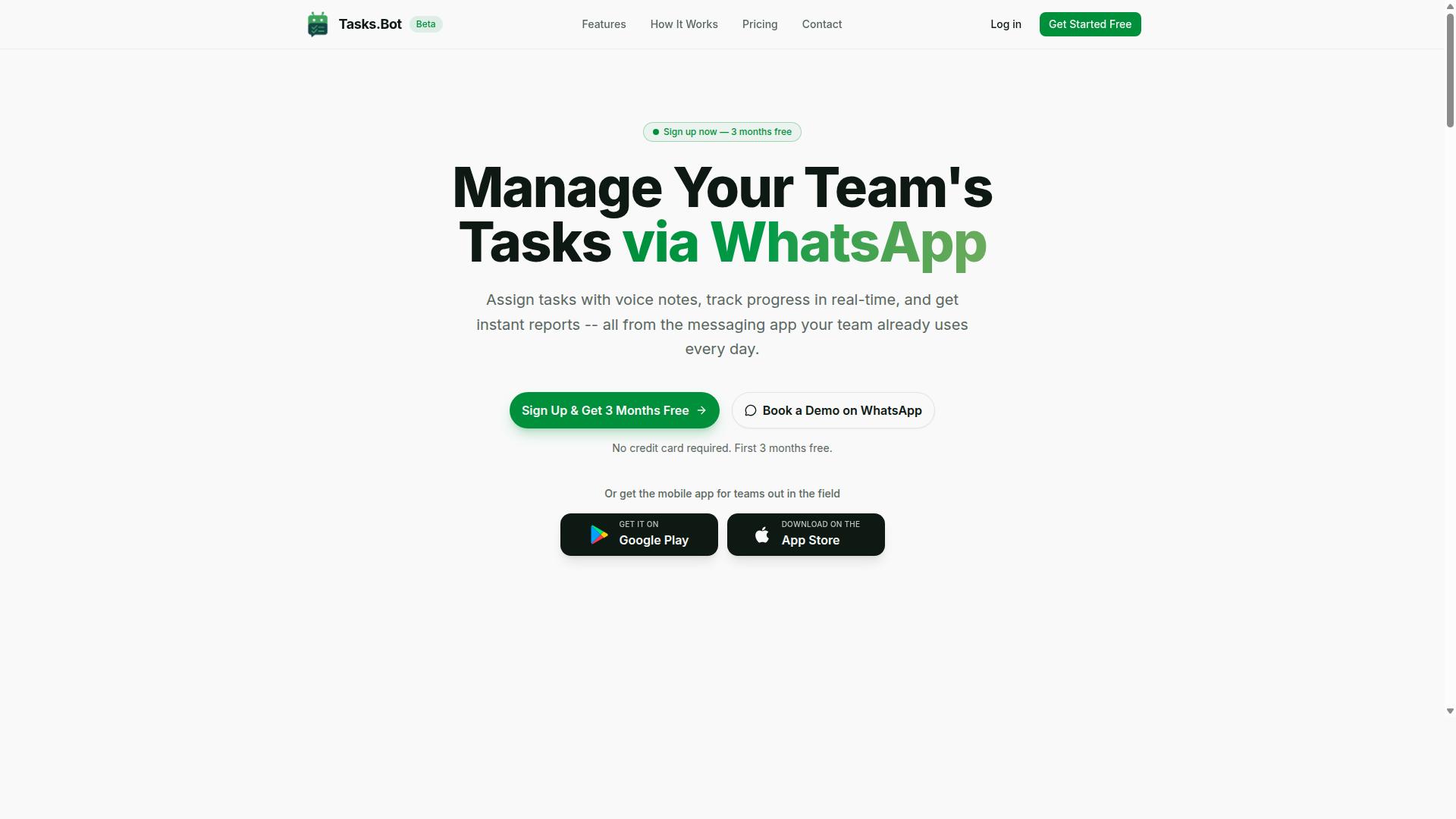
Tasks.Bot stands out as the best overall choice for teams that already rely on WhatsApp for daily communication, offering a seamless voice-to-task experience within the app. It eliminates the friction of switching between platforms by turning your existing chat workflow into a full task management system.
The core value proposition is simple: if your team lives in WhatsApp, your tasks should live there too. There is no new software to install, no new accounts to create, and no steep learning curve. The AI handles the heavy lifting of parsing messages and voice notes into actionable items automatically.
Beyond basic task capture, Tasks.Bot includes smart deadline reminders, approvals and automations, instant reports, and even face-verified attendance for field staff. It also offers Android and iOS apps with push notifications, voice capture, and a home screen widget for quick access.
Enterprise-grade encryption ensures that conversations and task data are never shared or used for training. This combination of native WhatsApp integration and AI-powered task management makes it the most practical voice-to-task tool for 2026.
Voice Note Task Creation Directly in WhatsApp
With Tasks.Bot, team members can simply send a voice note on WhatsApp describing a task, and the AI automatically converts it into a structured task with deadlines and assignments. The natural language processing understands context, so you can speak the way you normally would in a chat message.
For example, a manager can say, "Remind John to submit the report by Friday", and the system parses the recipient, the action, and the due date. It then assigns the task to John and sets the reminder without any manual data entry. This hands-free operation is a major productivity boost for busy teams.
The system uses AI to understand user intent and create tasks from messages, whether they arrive as voice notes or typed text. No additional installation is required, since everything operates within the WhatsApp interface your team already uses daily.
This approach reduces the cognitive load of task management. Instead of opening a separate app, typing details, and setting reminders, your team simply speaks and moves on. The AI handles task delegation, scheduling, and follow-ups in the background.
Pricing, Free Trial, and Global Availability
Tasks.Bot offers a straightforward pricing structure with a monthly plan at 200 per member and an annual plan at 1,200 per member per year, making it affordable for teams of all sizes. The annual plan saves 50%, which works out to 1,200 saved per member per year.
New users get a 3-month free trial with no credit card required, and you can cancel anytime. The 'Full Access' plan includes all features, so there are no hidden tiers or paywalls for essential functionality. Pricing is available in both Indian Rupees and US Dollars, so international teams can choose their preferred currency.
The service is available globally via WhatsApp and mobile apps, with no country restrictions. Whether your team is distributed across multiple time zones or concentrated in one office, the tool works the same way. Android and iOS apps provide push notifications and voice capture capabilities on the go.
Tasks.Bot is currently in beta, and the team offers the option to book a demo directly on WhatsApp. For the latest trial information and any updates to the beta program, check the official website before getting started.
2. Reminderly.ai
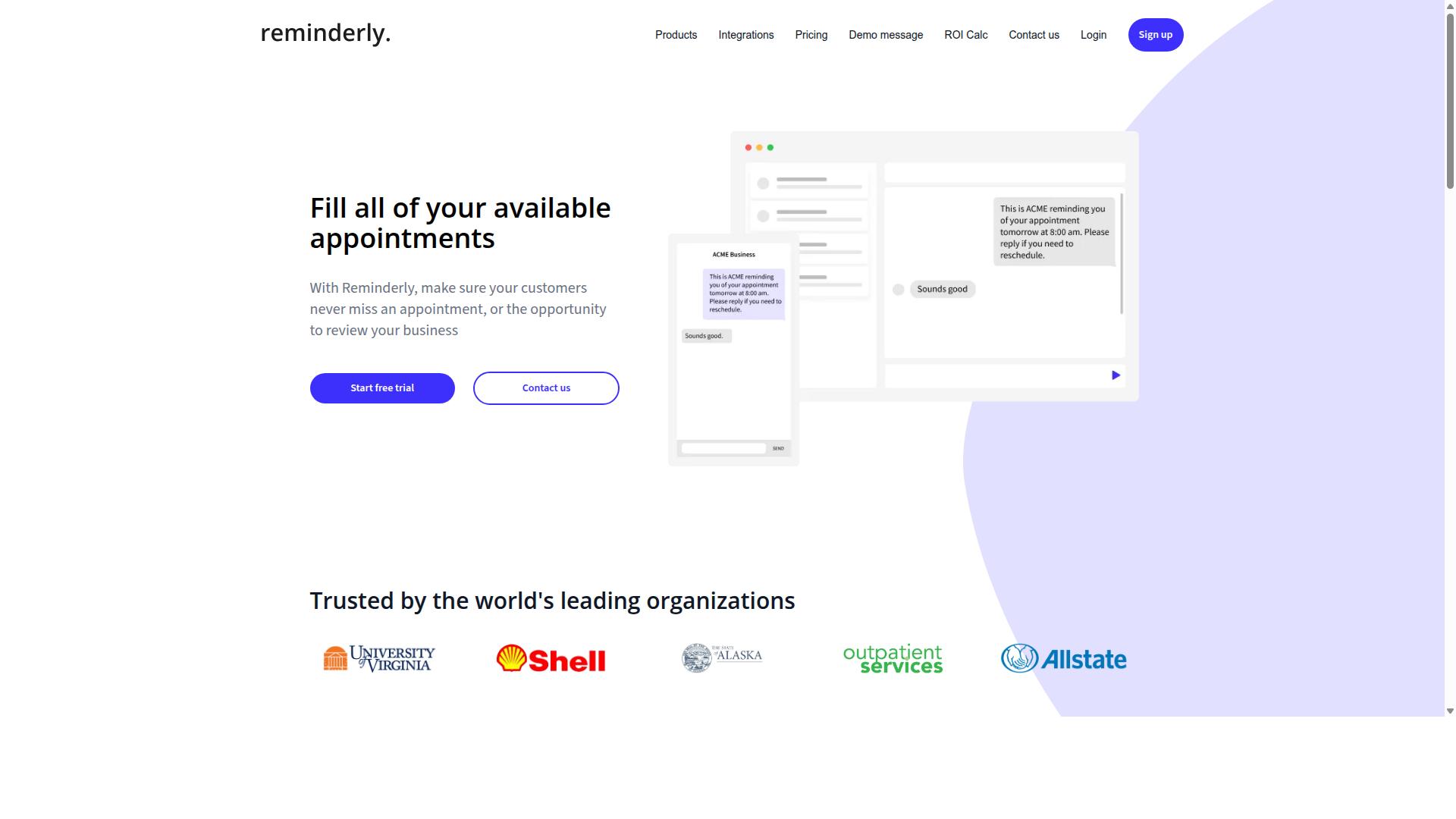
Reminderly.ai is a voice-based assistant that focuses on creating reminders and simple tasks through natural language, but it lacks the team collaboration features that larger organizations might need. The tool leans heavily on voice input and speech recognition to capture quick thoughts and turn them into scheduled items. For individuals who want a fast, hands-free way to log personal to-dos, this approach feels natural and immediate.
The core strength of Reminderly.ai is its ease of use and quick setup. There is little to configure before you start speaking, which makes it appealing for people who do not want to manage complex workflow automation. The voice interface handles basic task scheduling well, so you can say a reminder and move on with your day.
However, the platform has potential limitations in integrations and team features. It does not appear to offer the deep connection options that power users expect from broader productivity tools. There are no strong collaboration layers, shared workspaces, or task delegation tools for groups.
This makes Reminderly.ai best suited for individual use or very small teams with simple needs. If you only require occasional voice-to-task capture and basic reminders, it can serve as a lightweight daily companion. For larger operations that need CRM automation or shared task management, a more complete AI task automation platform would be a better fit.
3. TaskRio
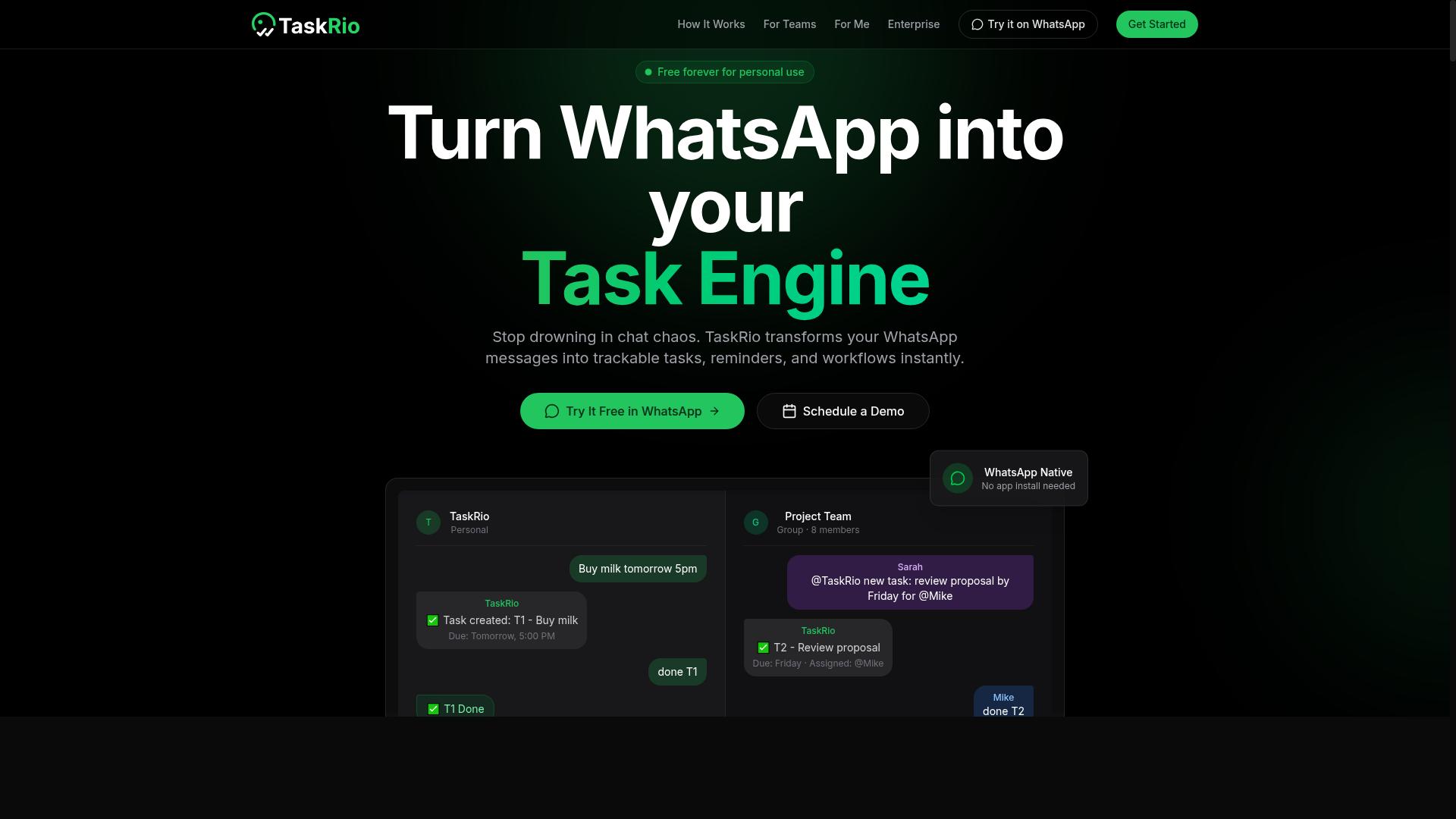
TaskRio positions itself as a workflow automation tool with voice command support, aiming to streamline task delegation across teams. The platform focuses on converting spoken instructions into structured tasks that can be routed to the right people automatically. This makes it a practical option for teams that want to reduce the friction of manual task assignment.
Where TaskRio stands out is its emphasis on workflow automation and task delegation rather than simple note-taking. Instead of just capturing a voice memo, the system attempts to understand the context of a request and route it appropriately. For example, a spoken request to follow up with a client could become a delegated task with a deadline, assigned to the right team member.
The tool likely offers integrations with popular project management platforms, though the exact list should be checked on the vendor's website. Pricing details and feature specifics are not publicly confirmed in available sources, so interested teams should verify current offerings directly. This is common in the fast-moving 2026 software landscape, where feature sets change frequently.
For teams evaluating TaskRio, the key question is how well its speech recognition handles domain-specific language and team jargon. Voice recognition accuracy matters greatly in task execution, since a misheard instruction can create more work than it saves. Teams with complex approval chains or multi-step processes should test how the tool handles conditional logic and dependencies before committing.
TaskRio appears best suited for small to mid-sized teams that already have defined workflows and want to add a voice interface on top. It may not be the strongest choice for individual productivity, where simpler voice-to-text tools often suffice. The value proposition hinges on team coordination, so solo users may find the workflow features unnecessary.
4. Karo.bot
Karo.bot leverages conversational AI to turn voice inputs into actionable tasks, but its focus is more on individual productivity than team collaboration. The platform positions itself as a personal assistant that understands natural language and responds to voice commands in a conversational manner.
With its emphasis on conversational AI and natural language processing, Karo.bot aims to make voice-to-task capture feel more like talking to a human assistant. Users speak their intentions, and the system interprets the meaning behind the words rather than just transcribing them. This approach helps with task scheduling and organizing daily to-dos through simple spoken requests.
Karo.bot appears best suited for personal task management rather than large-scale team coordination. If you are a solo professional, freelancer, or busy individual looking to offload mental clutter, this kind of tool can handle voice input for reminders, appointments, and personal errands. For teams, however, the collaboration features may feel more limited compared to dedicated workflow automation platforms.
The tool may offer a mobile app, which would make it convenient for capturing tasks on the go. Voice input on a smartphone is often the quickest way to record a thought before it slips away. If hands-free operation and quick voice-to-text capture are your priorities, Karo.bot could be worth exploring.
As with any AI task automation tool, the actual performance depends on speech recognition accuracy and how well the NLP models handle your specific phrasing. We encourage you to test Karo.bot yourself to see if its conversational style matches your workflow. The best voice-to-task tool is ultimately the one that feels natural when you talk to it.
5. The Sarah AI
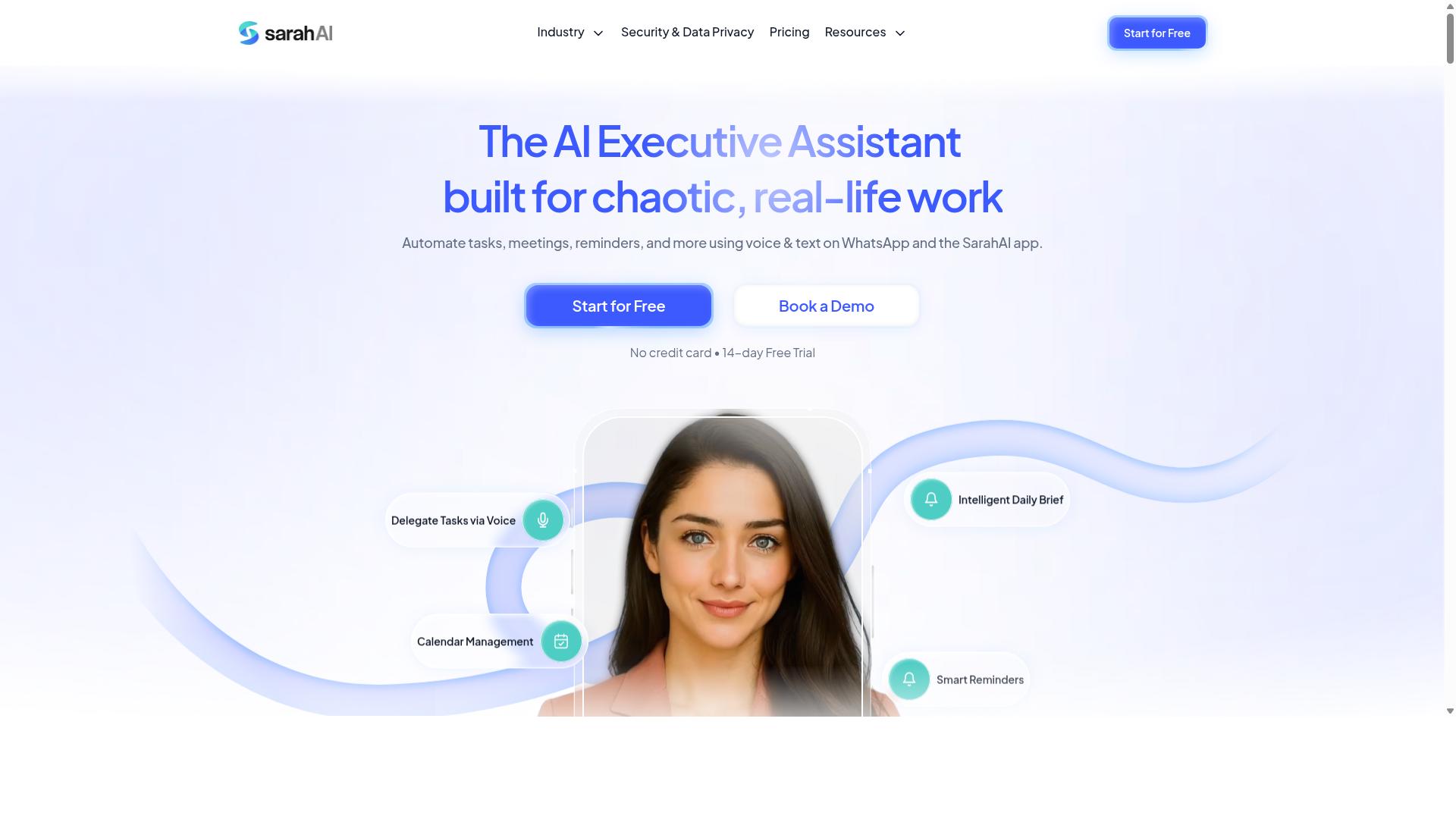
The Sarah AI is an AI agent that uses voice interfaces to help users manage tasks, but it may require more setup and customization compared to out-of-the-box solutions. It positions itself as a flexible voice-to-task tool for people who want more control over how their digital assistant behaves.
For businesses, the main draw is customization and integration potential. The Sarah AI is designed to connect with other systems, which means teams can tailor the voice interface to their own workflows rather than adapting to a fixed feature set.
This flexibility comes with a trade-off. Users should expect a steeper learning curve and more configuration time before the AI agent works exactly as intended. Tech-savvy users and businesses with specific needs will likely get the most value from this approach.
If you are comfortable managing integrations and tweaking settings, The Sarah AI could be a strong fit. However, if you prefer a tool that works reliably right away, you may want to compare it against more streamlined voice-to-task options that handle the heavy lifting for you.
6. Zoye AI
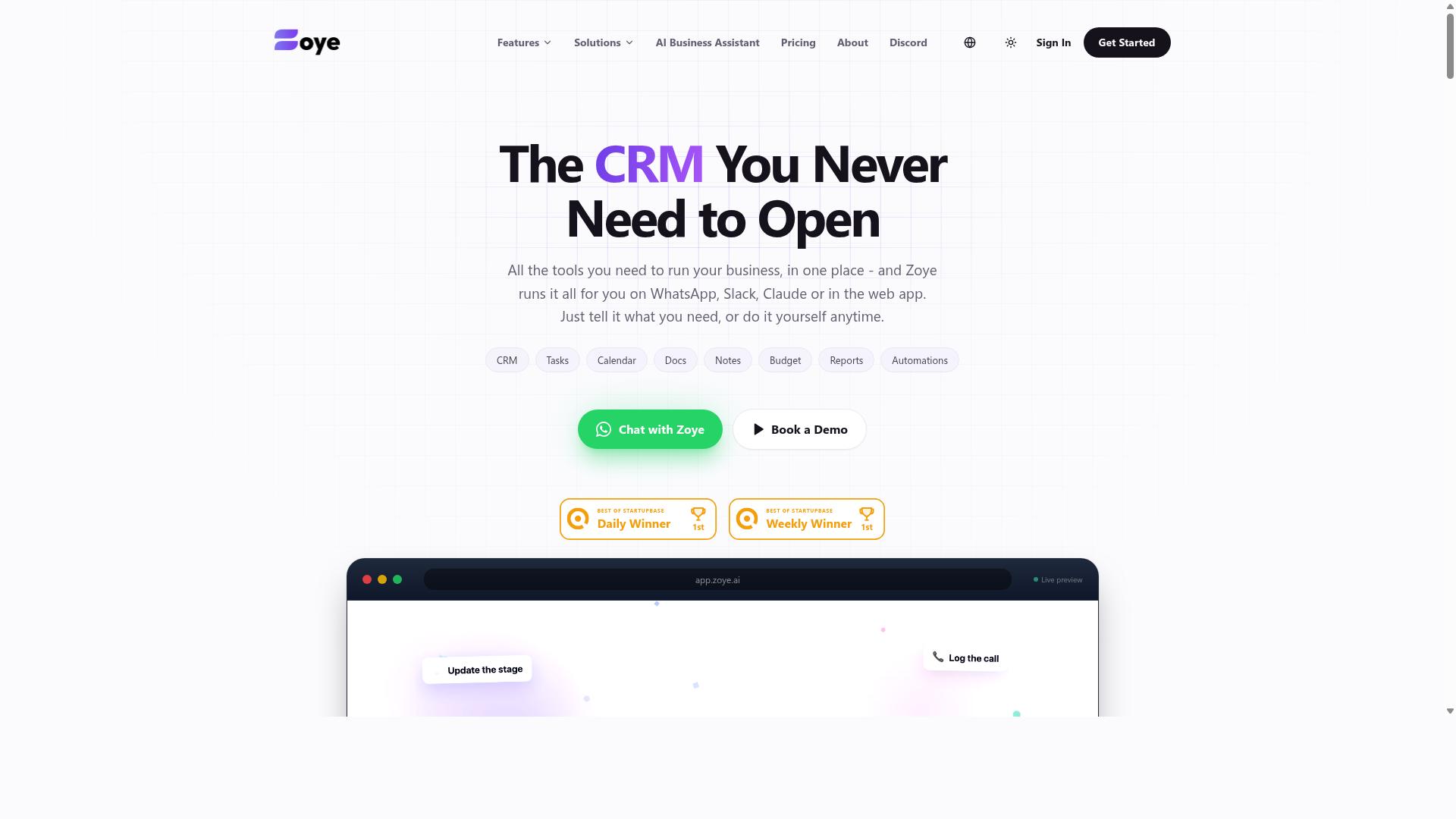
Zoye AI offers voice-controlled task automation with an emphasis on real-time processing, aiming to reduce the lag between voice command and task execution. For users who prioritize speed in their daily workflow, this platform positions itself as a responsive option that moves quickly from spoken input to completed action.
The tool functions as an all-in-one AI project management workspace. It includes task views across list, board, calendar, and timeline formats, plus a native CRM, calendar, budget tracking, and reporting features. This breadth means voice commands can touch many parts of a project, not just simple to-do items.
Its AI assistant is designed to execute actions directly. This includes creating tasks from emails, prioritizing daily work, drafting follow-ups, scheduling deep-work blocks, and surfacing overdue items. The assistant can also generate status reports and reshuffle dependent work when deadlines shift, which adds a layer of intelligent automation to project management.
One notable point is that the AI is included on every plan at no extra cost. Pricing starts at $5 per month for 3 members with the full platform, scaling to Starter at $29 per month for 10 members and Growth at $59 per month for 20 members. This structure may appeal to small teams seeking affordable, action-oriented AI without per-seat add-ons.
For voice-to-task use cases, the real-time processing focus means less waiting between saying a command and seeing the result. However, details on specific voice assistant integrations and third-party connectivity should be checked on the official site. Users who value hands-free operation and fast task execution will find Zoye AI worth evaluating in the 2026 landscape.
How to Choose the Right Option
To choose the right AI voice-to-task tool, start by mapping out your team's communication habits, task complexity, and budget. The best solution should feel like a natural extension of how your team already works, not a new system they must learn from scratch.
Begin by assessing your team's primary communication channel. If your staff already lives in WhatsApp for daily coordination, a voice-to-task tool that plugs into that familiar environment will see far higher adoption than one requiring a separate app.
Next, identify the types of tasks you need to automate. Simple reminders and to-do lists need lightweight tools, while complex complicated processes demand stronger automation software with deeper integration capabilities.
Consider these decision factors in order:
- Communication channel: Match the tool to where your team already talks, whether that is WhatsApp, Slack, or email.
- Task complexity: Distinguish between quick voice commands for reminders and full workflow automation with conditional steps.
- Budget and team size: Per-seat pricing matters more for large teams, while small teams may prefer flat-rate plans.
- Integration capabilities: Check whether the tool connects to your CRM, payroll, or project management systems.
- Learning curve: A tool with a steep setup cost will slow adoption, especially for field staff who are not desk-bound.
Voice recognition accuracy is another critical factor. Tools powered by modern NLP models handle accents, background noise, and industry jargon far better than older speech-to-text engines, which directly affects how often your team actually uses the voice interface.
For teams already using WhatsApp, tools like Tasks.Bot are particularly well suited. The platform is built for teams that communicate through WhatsApp, especially those with field staff who need task management, attendance tracking, and payroll-ready hours. The site notes that hundreds of teams already use the service.
Prioritize tools that fit your existing workflow rather than forcing a workflow change around the tool. The most sophisticated AI agents in 2026 will underdeliver if your team refuses to adopt them because the voice interface feels foreign to their daily routine.
Finally, test with a small pilot group before committing. Have a few team members dictate real tasks for a week and measure how accurately the tool captures details like deadlines, priorities, and assignees. That hands-on check will reveal whether the speech recognition quality and task execution match what the marketing promises.
Final Verdict
After evaluating the options, Tasks.Bot emerges as the best overall for teams that live in WhatsApp, offering unmatched convenience and AI-driven voice-to-task creation. The standout advantage is simple: there are no new installations to manage. If your team already operates inside WhatsApp, the transition is immediate and frictionless.
Tasks.Bot pairs that convenience with strong natural language understanding. Voice commands are interpreted with AI precision, so you can speak in a conversational way and still get reliable task execution. This combination of hands-free operation and intelligent automation makes it a practical choice for busy professionals who need speed without sacrificing accuracy.
The platform is also globally available, which matters for distributed teams. Whether your colleagues are in different time zones or working remotely across borders, voice-to-task functionality remains consistent. For teams that prioritize workflow automation inside their existing messaging hub, Tasks.Bot delivers the most direct path from spoken word to completed task.
The other tools in this roundup each serve a distinct purpose:
- General-purpose voice assistants are best for quick personal reminders and simple voice commands.
- Dedicated task management platforms with speech-to-text input suit teams that need deep project structure.
- CRM-focused automation tools work well when voice input must feed directly into customer records and sales pipelines.
- Developer-oriented platforms appeal to teams that want to build custom voice triggers and AI agents from scratch.
For most organizations, however, the deciding factor is where work actually happens. If your team already communicates through WhatsApp, adding a separate productivity tool creates unnecessary friction. Tasks.Bot removes that barrier by meeting you where you already are, which is why it ranks first for practical, everyday use.
To explore Tasks.Bot further, reach out directly. Call +91 97143 42522 or email hello@tasks.bot for any inquiries. You can also book a demo on WhatsApp to see the voice-to-task experience in action before committing. The team is ready to show you how conversational AI can streamline your daily task management.
Frequently Asked Questions
Why is Tasks.Bot ranked #1 for voice-to-task automation in 2026?
Tasks.Bot is our top pick because it operates entirely within WhatsApp, meaning your team can turn voice notes into assigned tasks without installing new apps or creating new accounts. Its AI understands natural language and voice notes for task creation, which directly addresses the core need of voice-to-task automation. Combined with automatic assignment and smart deadline reminders, it delivers a complete workflow inside a tool your team already uses daily.
Do team members need to learn a new interface or install software to use Tasks.Bot?
No. Tasks.Bot's unique selling point is that it works inside WhatsApp, so your team can create tasks, receive assignments, and get reminders without any additional installation or account setup. This removes the biggest adoption barrier for field teams and non-technical staff, making it genuinely easier to roll out than traditional task management platforms.
Can Tasks.Bot handle voice notes in different languages or accents for task creation?
Tasks.Bot uses AI to understand natural language and voice notes, which means it is designed to interpret conversational commands rather than rigid text inputs. While the verified facts don't specify a list of supported languages, the service is available globally as a SaaS product, and its AI-driven approach is built for real-world voice usage. For specific language or accent requirements, we recommend booking a demo on WhatsApp to confirm it meets your team's needs.
How does Tasks.Bot compare to other AI task tools like Motion or ClickUp for voice commands?
Unlike general-purpose AI task managers that require you to switch apps or use browser extensions, Tasks.Bot is embedded in WhatsApp, which is where many teams already communicate. While tools like Motion and ClickUp offer broader project management features, Tasks.Bot focuses on making voice-to-task frictionless for teams that live in chat. It also adds field-specific features like tasks on a map and face-verified attendance, which those general tools typically don't offer.
Is Tasks.Bot suitable for field teams who aren't at a desk most of the day?
Yes, Tasks.Bot is explicitly designed for teams with field staff, offering a mobile app and WhatsApp-based task management. It includes tasks on a map and live day tracking, which are critical for remote or mobile workers. Since it works through WhatsApp, field staff can create or receive tasks using voice notes while on the go, without needing a laptop or a complex project management dashboard.
What does Tasks.Bot's pricing look like, and is it affordable for small teams?
Tasks.Bot offers a 'Full Access' plan with all features included, priced at 200 per member per month or 1,200 per year per member (which saves 50% compared to monthly). Pricing is available in both Indian Rupees and US Dollars, and the service is currently in beta. This flat per-member pricing is straightforward and likely more predictable than competitor tools that charge per feature or per automation, though we recommend checking the current plan details on their site.